Website and app interfaces
Create layouts that help people read, choose and act. Screen sizes, content length and navigation are considered as part of the design.
We design websites, apps and software around the people who use them. That includes the familiar screens, the awkward moments and the small decisions that make a product easier to understand.
Talk through your product designSee what’s included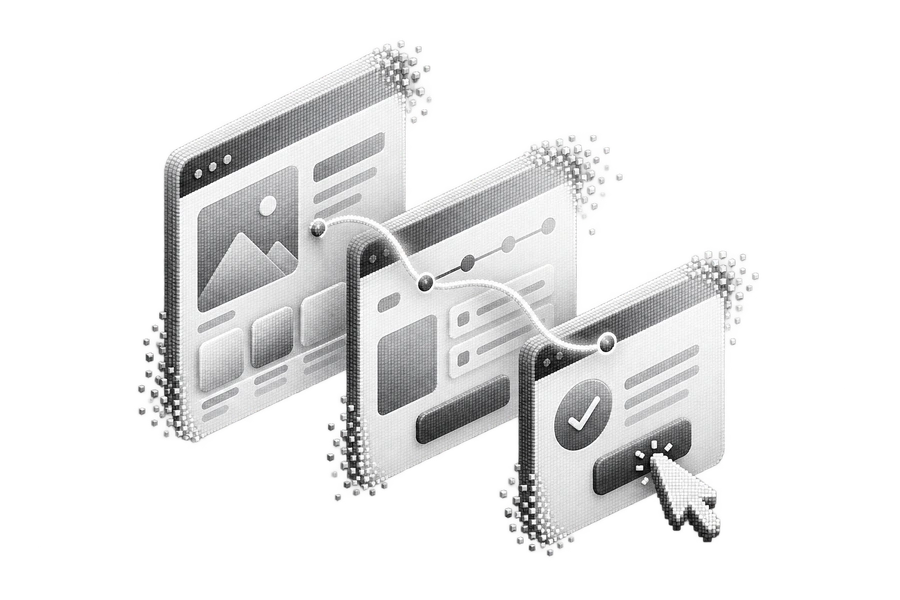
Where does someone start? What information do they need? What happens if a form fails or there is no data yet? We ask these questions early, then use the answers to plan the screens and interactions. Visual design follows a clear understanding of the product.
You may need a new interface, a redesign or help with one difficult flow. We can work alongside your developers or take the product through development ourselves. The output is shaped for the people who will build it, with reusable elements and the important states explained.
Create layouts that help people read, choose and act. Screen sizes, content length and navigation are considered as part of the design.
Work through the order of tasks before detailed styling. Wireframes help us discuss what belongs on each screen and what can be simplified.
Try the main journeys before the product is built. A prototype makes transitions, navigation and the overall flow easier to review together.
Give common elements a consistent appearance and behaviour. Buttons, fields, cards and feedback states can be reused as the product grows.
Your agreed scope sets the exact deliverables. Here’s what we discuss when we plan the work.
THE WORK, TAKING SHAPE
From the first conversation to the final handover. Here’s how we approach your ui & ux design project.
We discuss the product, its audience and the tasks they need to complete. Existing feedback and current screens help us identify where to begin.
We plan the main journeys and sketch the layouts. You can review the structure while changes are still straightforward to make.
We develop the visual direction and create a prototype of the agreed flows. Review focuses on the product’s tasks as well as its appearance.
We organise components, responsive layouts and important interaction states. The handover includes the design files and a walkthrough with the people building the product.
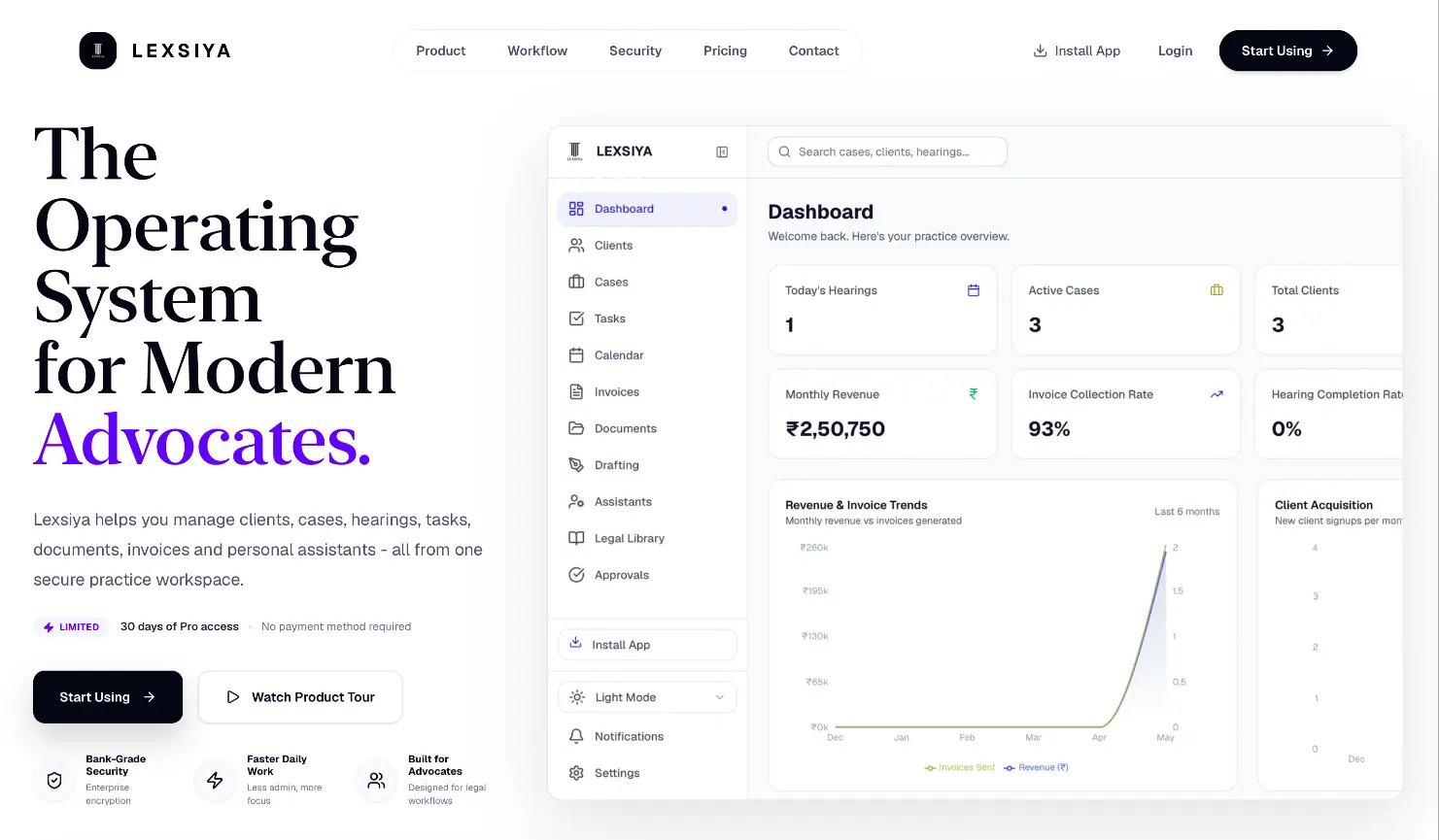
A workspace for advocates to manage clients, cases, hearings, documents, and invoices, with the details of each practice in one place.
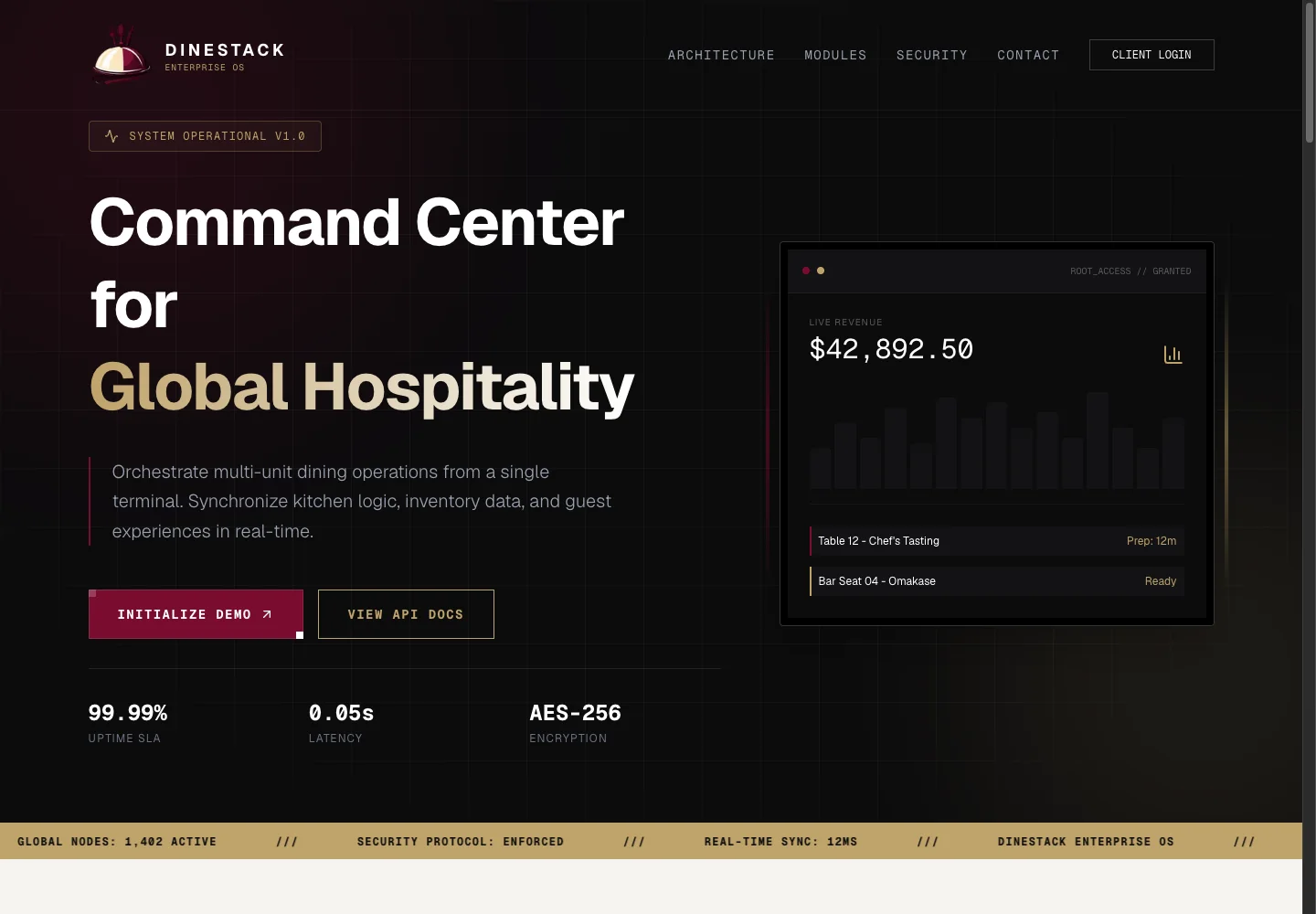
A restaurant operations platform connecting QR ordering, kitchen stations, inventory, and device management through one central dashboard.
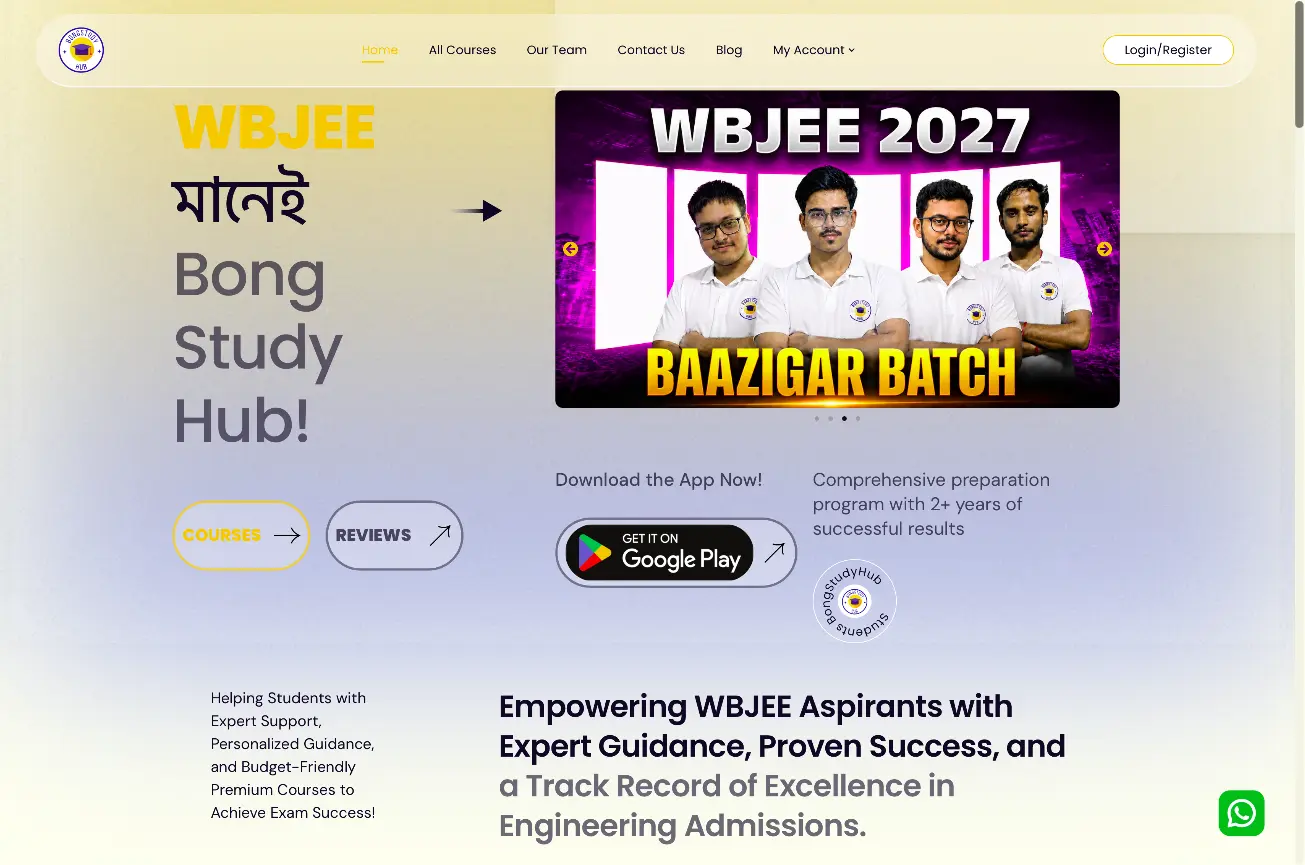
A learning platform for JEE and WBJEE preparation, with courses, study materials, and an Android app that keeps learning close at hand.
A few things worth knowing before you decide. If your situation is different, ask us.
Ask about your projectYes. We can provide the designs and work with your development team. We agree the screens, prototype coverage and handover detail so everyone knows what will be delivered.
Yes. A sign-up flow, dashboard or checkout can be a project on its own. We still look at the surrounding journey so that the change fits the rest of the product.
We share the work in stages, from structure to detailed screens. Where a prototype is included, you can click through the main journey and give feedback before development.
The research scope is agreed for each project. Existing customer feedback can guide the design, and interviews or usability sessions can be included when access, budget and timing allow.
Tell us what you’re building, who it’s for and what needs to happen first. We’ll talk through the scope with you.
Talk through your product design